





Account
Profile setup
Check your mobile number, password and message settings before funding the wallet. A clean profile makes withdrawal checks faster because the support team can match details without extra back-and-forth.
Live Roulette, Wild West Gold, Aviator and our sportsbook sit in one account, with DANA, OVO, GoPay and QRIS shown before you fund the…
Access is available only where local law permits.


You see slot rooms, live tables, fishing games and sportsbook entries from the home screen before choosing where to start.
Pragmatic Play, PG Soft and Habanero appear beside other studios so you can recognise familiar slot and table styles quickly.
Your wallet panel lists the Indonesia rails we support before you submit a request.
Before you add funds, we make the practical pages easy to reach from the home screen.
Check your mobile number, password and message settings before funding the wallet. A clean profile makes withdrawal checks faster because the support team can match details without extra back-and-forth.

Use the home tiles to compare slots, live casino, fishing and sportsbook areas. Each category opens with its own filter so you can avoid scrolling through unrelated content.
Your wallet history shows incoming and outgoing requests with timestamps. We keep this close to the balance display so you can match DANA, OVO, GoPay or QRIS activity.

The promo board shows current account rewards and the conditions attached to them. Read the text beside each entry before joining, especially when rollover or game-category rules apply.
Your first useful check is the account bar at the top of the home page.
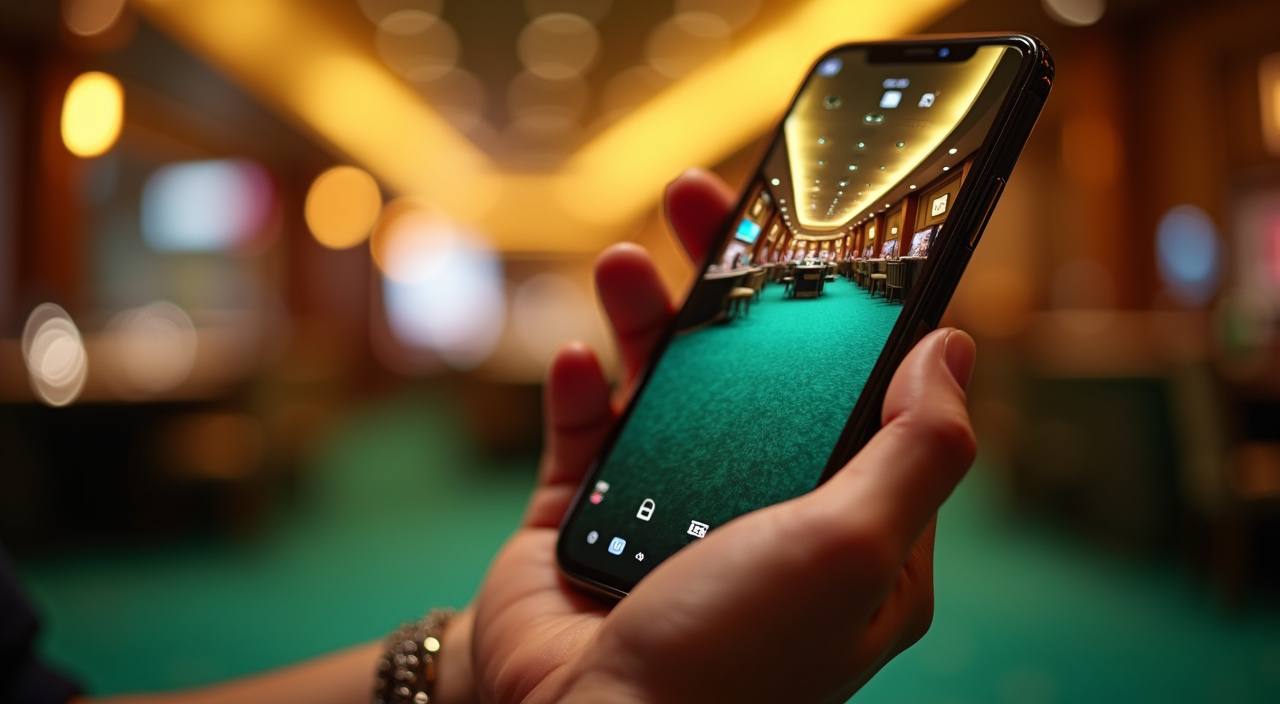
Your mobile browser opens the same account, wallet and lobby paths as desktop, so you do not need a separate app to check balance or enter games.

We design the home area around account protection first: password entry, wallet status and help access are separated from game tiles.
A clean home page saves you from chasing game links, wallet instructions and support contacts in different places.
| One account path | Instead of jumping between separate pages, you start from one account button. Registration, login and profile checks stay connected to the same home navigation. |
|---|---|
| Visible wallet area | The wallet button is placed near the account controls, not hidden inside a game screen. You can check balance before entering a slot or live table. |
| Clear category tabs | Slots, live casino, fishing and sportsbook tabs appear as separate routes. This helps you choose a room quickly without relying on random shared links. |
| Support within reach | If a receipt or login code needs checking, chat is available from the same home area. You do not need to search social channels first. |
| Device continuity | The same account opens on phone, tablet and desktop browser. Your wallet and profile status follow the login rather than the device. |
| Promo text nearby | Current account rewards appear with conditions on the promo board. You can read the details before choosing a game category or wallet amount. |
Different rooms behave differently, so we label categories before you enter them. Slots use reels and feature rounds, live casino uses streamed dealers, fishing rooms use timed shooting rounds and sportsbook markets…
Slot screens show paylines, stake size and feature rules inside the game menu. Check Wild West Gold or Mahjong Ways settings before starting a round.
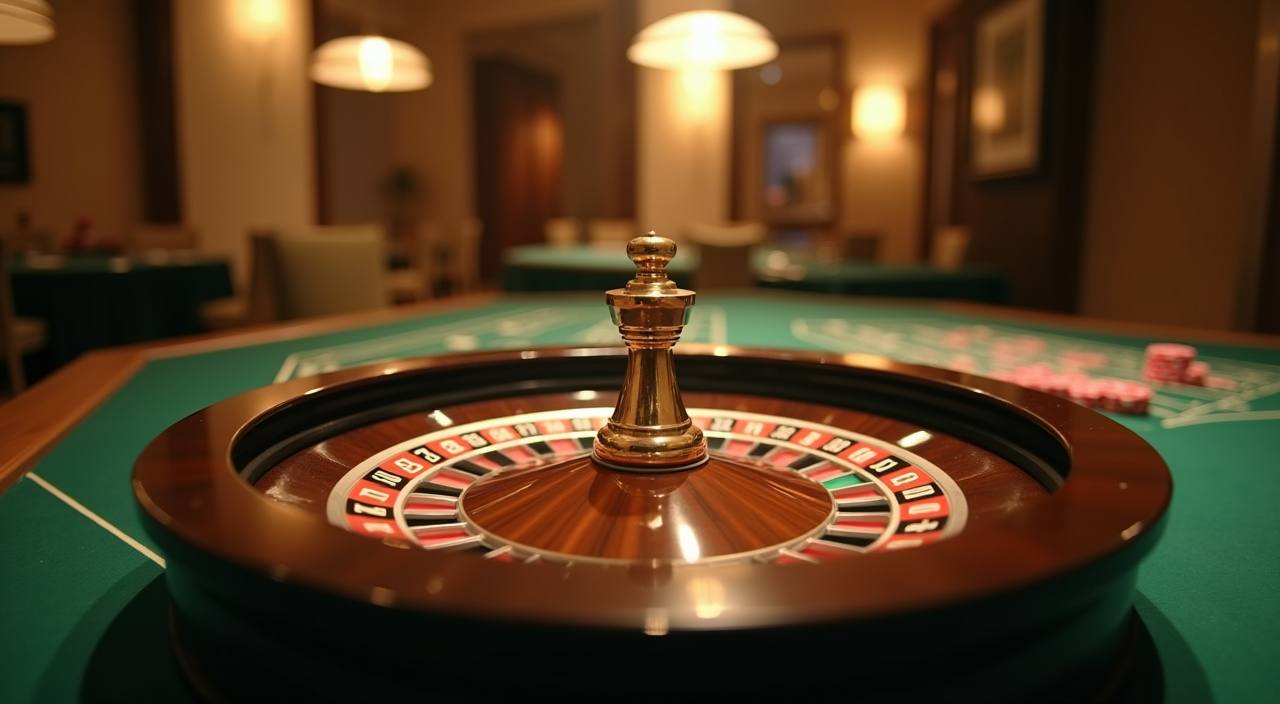
Live Roulette, Baccarat and Dragon Tiger stream from dealer tables. Your connection quality matters, so refresh the table if video and betting controls fall out of sync.
Mega Fishing and similar rooms use timed shots, targets and room balance displays. Read the cannon value and target rules before increasing your stake.
Rocket Crash and Aviator show multiplier rounds with a visible cash-out control. We display the round history so you can see previous timing before the next entry.
Sportsbook prices can move before confirmation. Always check the final slip amount, market name and accepted status before leaving the page.
The home page is built for Indonesia connections where local law permits. If you open from Jakarta, Surabaya or another supported area, the lobby checks your device, session and payment choices before showing account actions. Availability depends on local law, and we keep wallet options limited to DANA, OVO, GoPay and QRIS so the experience stays familiar for local customers.
The home screen is where we show what matters before you commit to a session.
These answers focus on what you can do from the home page: opening an account, checking the lobby, using local wallet rails and reaching support. If your question involves access in your area, availability depends on local law, and our team can only assist within supported regions.
Use the home page from top to bottom. Start with account access, then check the wallet panel, then choose a category.
The header holds account entry, login access and wallet visibility. On mobile, these controls compress into a short bar so you still reach them quickly.
Category tiles take you to slots, live casino, fishing and sportsbook sections. Use filters after opening the category instead of scrolling through the whole catalogue.
Choose DANA, OVO, GoPay or QRIS from the wallet panel, then follow the displayed instruction. Keep your receipt until the account status updates.
Open chat for urgent account issues and email for cases with attachments. Include timestamps, screenshots and the payment rail when asking about wallet activity.